Oxva
OXVA Xlim 3 Ultra Pod Vape Kit
£22.49 incl. VAT
- Dial in wattage with a swipe
- Power stays level all day
- Quick top-ups between outings
- One pod range, zero adapters
Why you'll love it
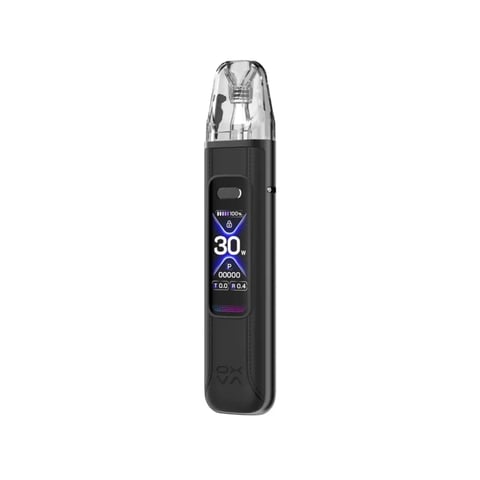
- A crisp 2.2-inch touchscreen replaces the usual pod kit dial and buttons
- Output holds firm from full charge to the last 1 percent, with no late-day taper
- Swipe-and-scroll control sets your wattage between 5W and 30W
- USB-C charging gets you back to 80 percent in roughly half an hour
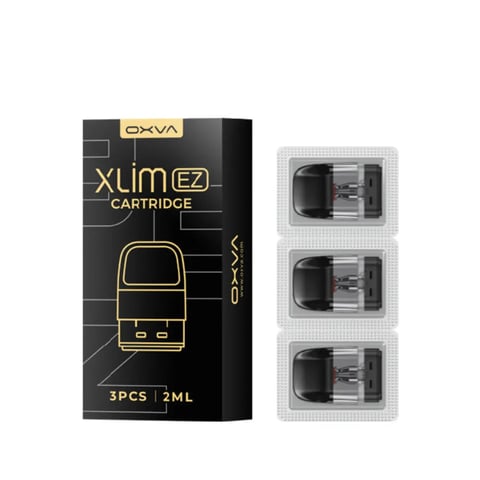
- Drop in any Xlim V2, V3 or EZ pod without hunting for an adapter
- Choose auto-draw or the fire button, then lock it for pocket carry
At a glance
- Replaceable pods
- Yes
- Brand
- OXVA
- Model
- Xlim 3 Ultra
- Battery
- 1500 mAh
- Power
- 5-30W
- Screen
- 2.2 inch
- Coil resistance
- 0.4-1.2 ohm
- Colour options
- 8
Description
Getting to know the Xlim 3 Ultra
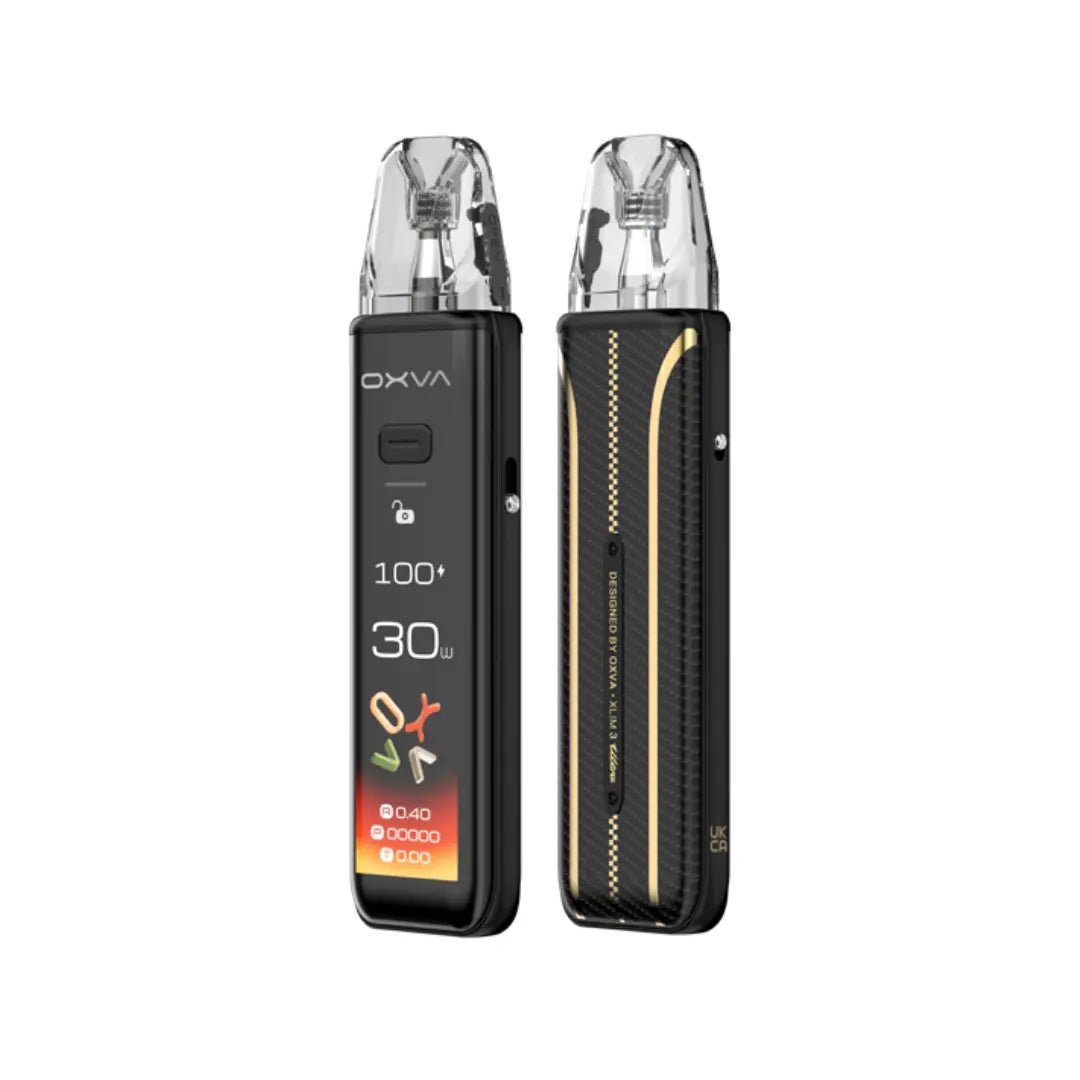
Changing power on a small pod kit usually means counting clicks and guessing what a little light is telling you. The Xlim 3 Ultra puts a full colour touchscreen in front of you instead, so you can see what it is doing. Press the side button or just draw: the response is instant, with no ramp-up.
Hold a finger on the home screen to switch between three themes. Swipe up for one of four animated visuals, or swipe down for eco mode, which dims the display to stretch the battery. A puff counter tracks daily, weekly and monthly totals and keeps them on the device. OXVA says it neither collects nor uploads that data.
Where it shines
- The 2.2-inch HD screen is easy to read at a glance, and its hardened, anti-fingerprint coating is made for life in a pocket
- Output stays level as the battery drains, so the final stretch of a charge feels much like the first
- Set anything from 5W to 30W with a right swipe and a fingertip scroll, with no menu clicking
- Plug in over USB-C and you are at 80 percent after about half an hour, from a 1500mAh battery
- Fit a pod and the kit reads its resistance, then holds the power to what that coil can take
- Fire by draw or by button, and use the side lock switch, which works separately from the screen lock, to stop pocket misfires
Fitting, filling and choosing a pod
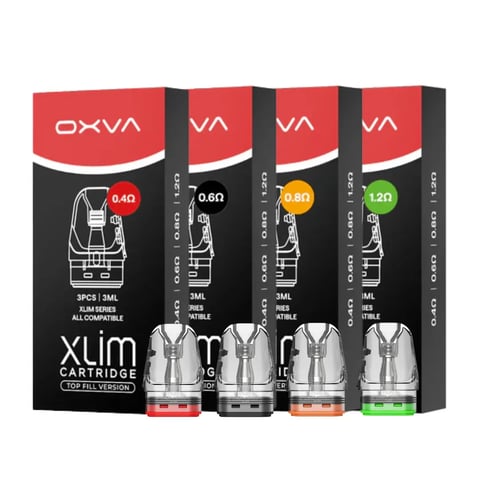
Any refillable pod from the Xlim range will go straight in: V2, V3 or EZ, with no adapter. Resistances run from 0.4ohm to 1.2ohm. The lower values give an airier lung-hit draw, while the 1.2ohm pod is the tight, mouth-to-lung option. Two 2ml pods come with the kit, a 0.6ohm already fitted and a 0.8ohm spare. Both arrive empty, so you fill them yourself. Thicker, higher-VG e-liquid suits the lower-resistance pods, and thinner, higher-PG e-liquid suits the 1.2ohm.
Specification
| Specification | Detail |
|---|---|
| Brand | OXVA |
| Model | Xlim 3 Ultra |
| Battery | 1500 mAh |
| Power | 5-30W |
| Screen | 2.2 inch |
| Coil resistance | 0.4-1.2 ohm |
| Colour options | 8 |
What's in the box
- OXVA Xlim 3 Ultra pod vape kit device
- 0.6Ω Xlim pod (pre-installed)
- 0.8Ω Xlim pod (spare)
Delivery & returns
-
Free Next-Day Delivery
On orders over £35
-
7-day dispatch
Same-day processing before 4pm, every day
-
Discreet tracked delivery
Plain packaging, full tracking
-
Expert support team
No chatbots. Speak to an expert.
OXVA Xlim 3 Ultra Pod Vape Kit FAQs
Can I use my older Xlim pods in the Xlim 3 Ultra?
Yes. Every refillable Xlim pod fits without an adapter: V2, V3 and EZ, from 0.4ohm to 1.2ohm. The kit reads each pod's resistance and sets a suitable wattage ceiling for it.
Does the OXVA Xlim 3 Ultra come with pods in the box?
Yes, it comes with two 2ml refillable pods, a 0.6ohm already fitted and a spare 0.8ohm. Both take e-liquid of your choice, since the kit arrives empty rather than prefilled.
How do you change the wattage on the Xlim 3 Ultra?
Swipe right on the screen, then slide a finger to scroll anywhere from 5W to 30W. Each pod has its own ceiling, so the kit will not let you push a coil past what it can take.
How do you stop the Xlim 3 Ultra firing in a pocket?
Flip the side lock switch. It disables the fire button on its own, separate from the screen lock, while auto-draw still works if you have chosen that fire mode.
What do you do if the Xlim 3 Ultra screen stops responding?
Press the fire button five times to switch off, leave it for five seconds, then press five times again to restart. That resets the touchscreen. If it stays blank, give it a few minutes on USB-C.
You might also like
18+ For adults only. This product contains nicotine which is a highly addictive substance. We check age at checkout.