How to know when your vape battery needs replacing

Every vape battery wears out in the end. The lithium-ion cell inside loses a little capacity with each cycle of charging and use, so a kit that once lasted all day gradually needs charging more often. The clearest sign that a battery needs replacing is that a full charge no longer gets you through your normal day.
Some signs are about safety rather than age. Swelling, heat, hissing or leaking mean stop using it straight away, however new it is.
Built-in or removable: which do you have?
What "replacing the battery" means depends on your kit.
- Built-in batteries. Nearly all pod kits, and many compact kits and box mods, have a sealed battery you cannot swap. When it wears out, you replace the device. Prefilled pod kits work the same way: the pods change, the battery stays.
- Removable batteries. Some box mods take removable cells, usually in the 18650 or 21700 size, behind a battery door. When those wear out, you replace the cells, not the mod.
If you are not sure which you have, look for a battery door or sliding cover, or check the manual.
Signs of a tired battery
These come on gradually. None of them is dangerous on its own, but together they tell you replacement is due.
- Shorter battery life. You are charging at lunchtime when it used to last until bedtime.
- An unreliable battery gauge. The indicator drops from half to empty in a few puffs, or jumps up and down.
- Fast to full, fast to empty. It shows full much sooner than it used to, then drains quickly. The cell is holding less than it did.
- Fading or cutting out. The vape weakens well before the battery is empty, or a mod cuts out on longer draws or higher power.
- Running warmer. It gets warmer during use or charging than it did when new.
Before you blame the battery, rule out the simple things. If it will not charge at all, start with what to check when your vape is not charging, because plenty of "dead batteries" turn out to be a faulty cable. If battery life is fine but the hit is weak, the cause is usually elsewhere.
Danger signs: stop using it now
Do not use or charge a battery that is
- Swollen, bulging or pushing the case apart
- Hot to the touch, not just warm
- Hissing, smoking, leaking or giving off a chemical smell
- Dented or punctured, or, for a removable cell, has a torn or split wrap
If you see any of these, unplug the device if it is safe to do so. Move it onto a hard surface, or outdoors, away from anything that could catch fire, and leave it to cool. Never charge it again. If it catches fire or gives off heavy smoke, get away from it and call 999. For a burn, contact NHS 111, or 999 in an emergency.
Looking after removable cells
Removable cells give you more control, and they ask a little more care.
- Check the wraps. The plastic sleeve around a cell is its insulation. If it is torn or nicked, especially near the top, stop using that cell until it has been re-wrapped or replaced.
- Carry cells in a case. Never loose in a pocket or bag, where keys and coins can touch both ends and short them.
- Use the right charger. A dedicated external charger made for your cell type is the usual recommendation.
- Keep sets together. In a mod that takes two or more cells, use cells of the same make and model, bought together. Charge and use them as a set, and label them so they stay paired.
- Buy genuine cells. Lookalike and rewrapped cells are sold online, often with inflated ratings. Buy from a retailer you trust, and check your mod's manual for the type of cell it needs.
Making a built-in battery last
You cannot swap a built-in battery, but you can slow down how quickly it ages.
- Unplug once it is full. Do not leave it charging overnight or while you are out.
- Charge on a hard surface. Not on a bed, sofa or under a cushion.
- Keep it out of the heat. A sunny car dashboard, a windowsill or a spot by the radiator ages lithium batteries faster.
- Top up rather than run flat. Draining to empty every time is harder on the cell than charging a little earlier.
- Store it part charged. If a spare kit will sit unused for weeks, leave it at roughly half charge somewhere cool and dry.
- Keep the port clean and dry. Wipe away leaks before they reach the charging port or contacts.
- Use a decent cable and plug. Replace damaged leads rather than working around them.
How to dispose of an old battery or device
Lithium batteries must never go in your household rubbish or recycling bin. When they are crushed in a bin lorry or at a waste site, they can start fires.
- A device with a built-in battery: take out the pod, then take the device to a battery or small electricals recycling point. Many household waste recycling centres accept them, and some shops that sell vapes offer take-back.
- Loose cells: put a piece of tape over the metal ends to prevent short circuits, then drop them at a battery collection point. Lots of supermarkets and shops that sell batteries have one.
- Damaged or swollen batteries: do not drop these in a collection tube. Take them to your local household waste recycling centre and tell the staff. Your council's website will show what your nearest site accepts.
When it is time, what to replace it with
For a built-in battery, a new device is the answer. It is a good moment to check that the kit suits your day. Battery capacity is listed in mAh, and a bigger number generally means longer between charges. Browse pod kits, or vape mods if you want more power and control.
For removable cells, replace them as a matched set rather than one at a time.
If you want a wider view of safe hardware, including what to look for when you buy, read what is the safest vape.
Browse vape kitsKeep reading
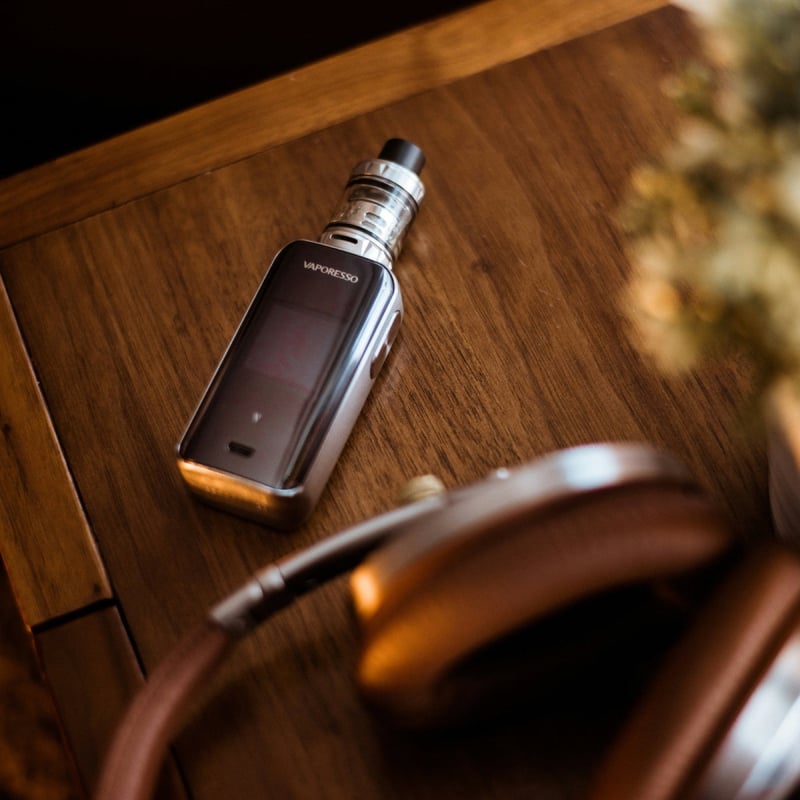
Vape goals 2026: how to upgrade your setup for the new year
Ready for a better setup in 2026? Practical upgrades, from moving on from a basic pod kit to better coils, tidy charging habits, spares and budgeting.

Best vapes for long days out: battery, pods and what to pack
Heading out for the day? How to pick a kit that lasts, what spares to pack, how to carry e-liquid without leaks and how to charge safely on the go.
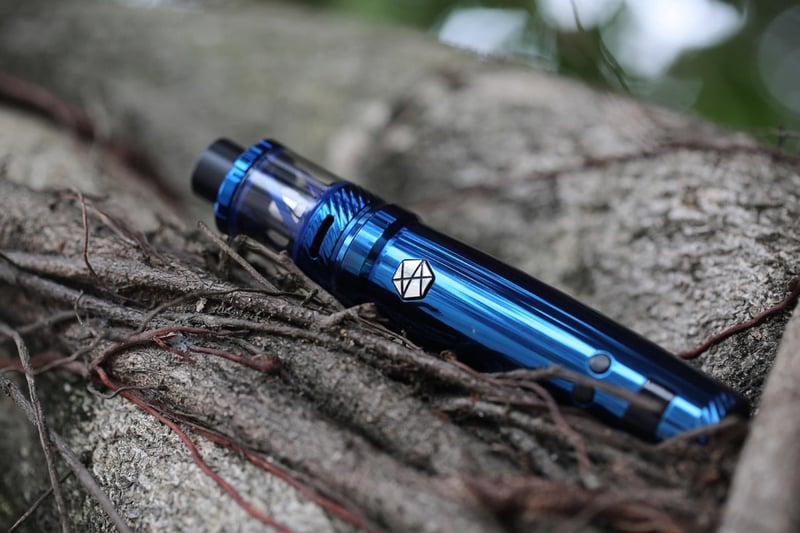
Vape not charging? Here is what to check first
Check the cable, the port, the plug and the battery, in that order, before you assume your vape has died. Plus the signs that mean stop using it.